
01
The code is never the same twice
Each board issues a random single-use token that expires on a timer you choose, 15 seconds to 15 minutes. Issuing a new code revokes the old one.
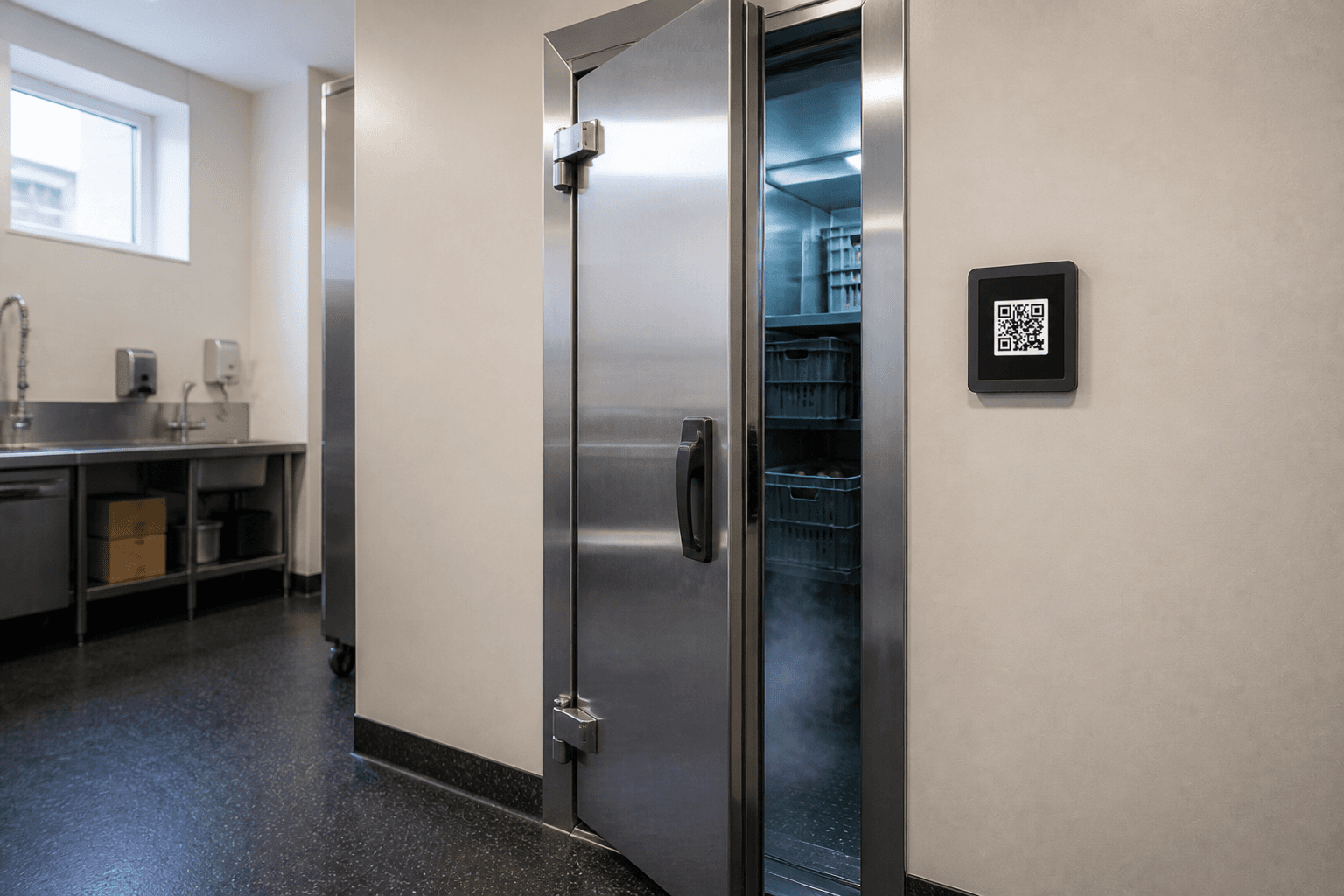
A named person, at the fridge, at the time the check was due. Not a sheet filled in after service.
Every common way of recording that a task happened can be produced by someone who never went. That's fine until a client, an auditor, or an insurer asks you to prove it.
01
Static QR codes get photographed once and forwarded. Every scan after that looks identical to a real one, because it is one.
02
Clipboards and sign-off sheets get filled in at the end of a shift, or by a colleague. There's no timestamp anyone can defend in a dispute.
03
Mock-location apps are free, accuracy indoors is poor, and asking staff to be tracked all day is a fight most operations teams would rather not have.
The board
One token at a time. Then it's gone.
The person
Opens in the browser. Needs a named account.
The record
Person, place, time. Then the job starts.
Code lifetime
15s-15m
per device, default 60s
Uses per code
One
then revoked
Device offline after
3 min
without a heartbeat
Signature window
±5 min
clock skew tolerance
Scanning feels completely ordinary. Underneath, four separate things have to line up before Anchor records anything: a live code, a registered board, an open site, and a person with an account.
01
Single-use, on a timer. Only the hash is stored.
02
Signed hardware, bound to one named location.
03
Closed sites cannot redeem, even with a live code.
04
A signed-in member of your organisation.
01
Each board issues a random single-use token that expires on a timer you choose, 15 seconds to 15 minutes. Issuing a new code revokes the old one.
02
Scanning opens a normal web page. Nothing to install, nothing to pair, nothing to hand out to a subcontractor on their first day.
03
A scan only counts once a signed-in user in your organisation redeems it. That's what turns 'someone scanned' into 'Jordan scanned'.
04
Anchor never asks for or stores GPS coordinates. The work is proven by the board in the room, so there's nothing invasive to opt into.
05
In scheduled mode a board shows nothing until its work is due, then goes quiet again once the job is done. Early scans aren't possible.
06
A verified scan can open a patrol checklist, raise an incident, or create a task, chosen by rules you set, not by the person scanning.
The three ways teams usually answer “did the work actually happen?”, and what each one can really tell you.
Photographed and shared
A specific indoor room
Nothing to install
No location data
Which person did the work
The right task on arrival
A kitchen check, a patrol, a contractor visit, a care round. Different jobs, one record. These are applications of the same platform, not separate products.
The scan is the evidence. What you build on top of it is the operation: schedules, forms, incidents, and the rest of your stack.
Each board holds an ECDSA P-256 key generated on the hardware. The private key never leaves it, and every request it makes is signed and time-bounded.
Build the on-phone screen from headings, checklists, timers, photo capture and forms. Text, number, temperature, yes/no, select, checkbox and photo fields.
Trigger on any event, filter on fields like the user's role or a submitted reading, then open a portal, create a task, or raise an incident.
Subscribe an endpoint to the event types you care about. Every delivery carries an HMAC-SHA256 signature, and secrets are encrypted at rest.
Define counts, ratios, distinct locations or time-between-events, group them into tables, and compare people across 24 hours, 7 days, 30 days or all time.
Per-resource permissions across eighteen areas, an audit log of administrative changes, and organisations split into sites with their own timezone and status.
A browser tab on a screen you already own is a live board. We hang a wall board later if the kitchen needs one.
We set up the walk-in check with you. A browser tab on a screen you already own is enough for the first log.
The short version: no app, no GPS, one use per code, and a named person behind every record.
Each code is single-use and dies on a timer you set: 15 seconds to 15 minutes. A photo is a dead credential the moment a new one is issued, and often before.
No. Scanning opens a normal page in the phone's browser. They do need an Anchor account in your organisation, so a scan is always tied to a named person.
No. Anchor never asks for or stores coordinates. The work is proven by the signed board in the room, not by the phone's location services.
A browser tab on a screen you already own is a live board. We add a wall board later if the kitchen needs one.
No. Redemption requires a signed-in user in your organisation, at an active registered device, at a site that's open. Fail any of those and nothing is recorded.
Presence boards always show a code. A scan means someone was here. Scheduled boards stay idle until work is due, then light up. A scan means this job happened here, now, by this person.
No. Security, facilities, hospitality, contractors, property, logistics, care and compliance are use cases on one platform. Plans are priced by sites and boards, with unlimited users on every tier.
We set the first kitchen up with you. Email hello@averanta.studio. There is no self-serve checkout yet.
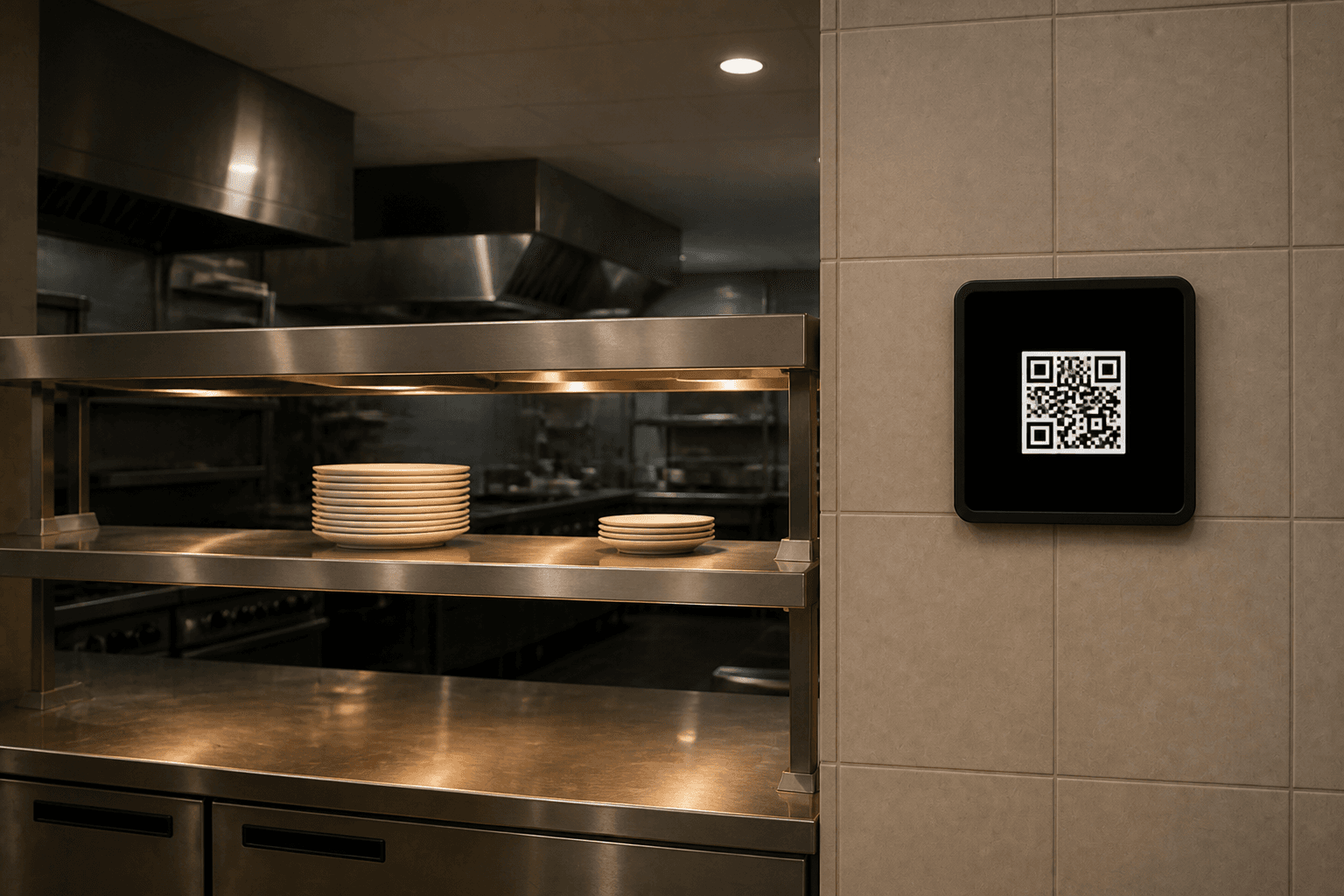
We set up the walk-in check with you. A browser tab on a screen you already own is enough for the first log.


